Diorna - Google Slide Template for All
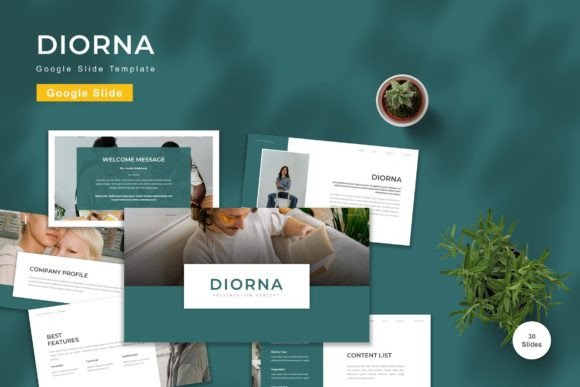
In the fast-paced world of digital communication, the quality of your presentation often determines the success of your message. Whether you are pitching a startup to investors, teaching a complex subject to students, or sharing a personal portfolio with potential clients, the visual container for your ideas matters as much as the content itself. The Diorna - Google Slide Template offers a robust solution for professionals and creatives who need to communicate clearly without getting bogged down in design mechanics. It is not just a collection of slides; it is a structured environment designed to elevate your narrative.
Many presenters struggle with the blank canvas syndrome. They have brilliant insights but lack the visual vocabulary to express them effectively. Diorna solves this by providing a pre-built framework that balances aesthetics with functionality. With 150 total slides included in the package, you are never starting from scratch. Instead, you are refining a professional foundation. This approach allows you to focus on what truly counts: your story, your data, and your unique perspective.
A Foundation Built for Versatility
The core strength of the Diorna template lies in its adaptability. It is engineered to serve a wide spectrum of users, from freelance designers to small business owners and educators. The inclusion of five premade color schemes ensures that the template can align with various brand identities instantly. You do not need to be a color theorist to make a presentation look cohesive. Simply select the palette that resonates with your project's tone, whether it requires the bold confidence of deep blues, the energetic vibrancy of oranges, or the calm professionalism of neutrals.
Beyond the color options, the structure of Diorna is vector-based. This technical detail is crucial for modern presentations. Vector graphics scale infinitely without losing quality. Whether you are presenting on a small laptop screen during a remote meeting or projecting onto a massive conference hall display, your images and icons remain crisp and sharp. This eliminates the pixelation issues that often plague low-resolution templates, ensuring your work always looks polished.
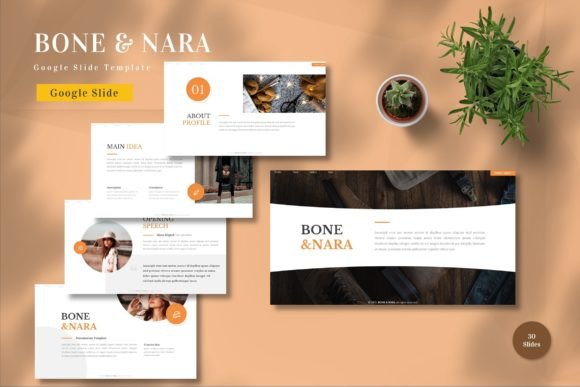
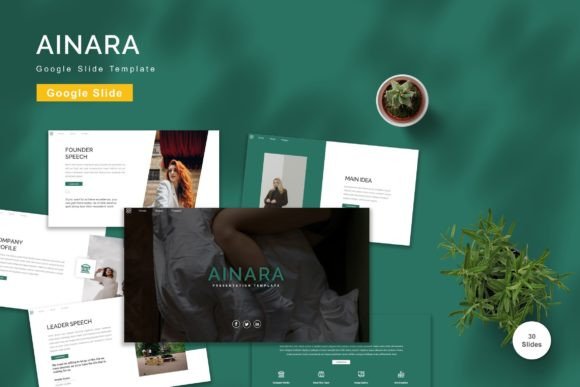
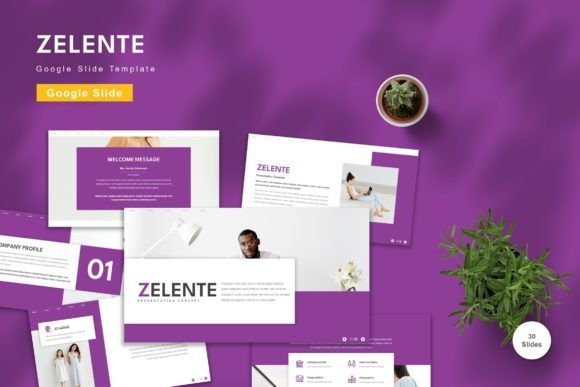
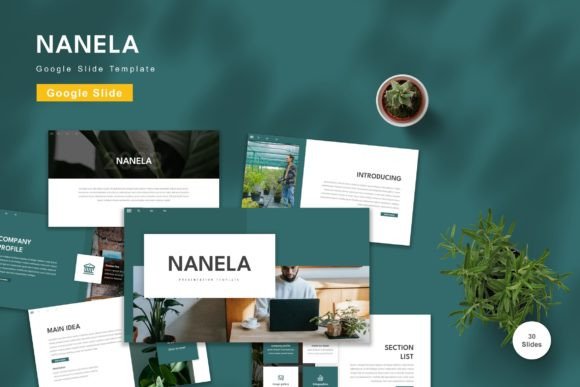
The template also includes 30 highly useful slide layouts specifically curated for common presentation needs. These are not generic placeholders; they are thoughtfully designed sections for timelines, team introductions, financial charts, process flows, and photo galleries. By having these specific layouts ready, you save hours of manual formatting time. You can drag and drop your content into these slots, confident that the alignment and spacing will remain consistent throughout the deck.
Mastering the Editable Elements
One of the most significant advantages of using Diorna is the ease of customization. Every element within the template is fully editable. This means you are not stuck with rigid structures that force your content into awkward shapes. If you need to adjust a text box, resize an image, or change a chart type, the master slides allow you to do so effortlessly.
Replacing images is particularly straightforward. The template uses placeholder logic, meaning you simply click on an image icon and swap it with your own high-quality photograph or graphic. This feature is invaluable for marketers and bloggers who need to update their visuals frequently to match current campaigns or seasonal themes. You maintain the integrity of the layout while injecting fresh, relevant content.
Furthermore, the typography is handled with care. Diorna recommends free web fonts that are both legible and stylish. Good typography is essential for readability, especially when audiences are viewing slides on mobile devices or tablets. The recommended fonts ensure that your hierarchy—headings, subheadings, and body text—is clear and engaging. You can easily modify these if your brand guidelines require a specific typeface, but the defaults provide a safe, professional starting point.
Creative Applications Across Industries
The utility of Diorna extends far beyond standard corporate reports. Its flexible design language makes it suitable for diverse creative and professional scenarios. Consider how different sectors can leverage this tool to enhance their output.
- Entrepreneurs and Startups: For founders seeking funding, the ability to present a clear roadmap is vital. Use the timeline and process slides to visualize your growth strategy. The animated slides included in the package can help reveal complex data step-by-step, keeping investors engaged without overwhelming them.
- Educators and Trainers: In the classroom or corporate training environment, engagement is key. The visual variety in Diorna helps break up long lectures. You can use the infographic-style slides to simplify complex concepts, making learning more interactive and memorable for students.
- Freelancers and Creatives: When showcasing a portfolio, the layout must highlight your work rather than distract from it. Diorna’s clean aesthetic provides a neutral backdrop that lets your photography, design work, or writing shine. The widescreen format ensures your visual assets are displayed at their best resolution.
- Small Business Owners: For annual reviews, product launches, or internal meetings, consistency builds trust. Using the same template across all company communications reinforces your brand identity. The five color options allow different departments to have slight variations while maintaining a unified corporate look.
Enhancing Engagement with Animation
A static presentation can sometimes feel dry, even with great content. Diorna addresses this by including animated slides. Motion, when used correctly, guides the audience's attention and adds a layer of dynamism to your delivery. However, animation should never be a gimmick. The animations in Diorna are designed to be subtle and purposeful, helping to introduce points sequentially or highlight key metrics.
For example, when discussing quarterly results, you might want to reveal each quarter's performance one after another to build a narrative arc. Or, when introducing a new team member, a smooth fade-in effect can add a touch of elegance. These features transform a simple information dump into a storytelling experience. Remember, the goal is to keep the audience focused on your message, not distracted by flashy effects. Diorna strikes this balance perfectly, offering motion that supports clarity.
Practical Workflow for Maximum Efficiency
To get the most out of Diorna, it is helpful to adopt a structured workflow. Since the package includes five separate Google Slide files corresponding to the different color themes, start by choosing the file that best matches your initial vision. Before diving into content creation, spend a few minutes reviewing the "Readme" information included in the download. This guide explains the specific features and shortcuts available, ensuring you don't miss out on advanced functionalities.
Once you have selected your base file, begin by populating the master slides. If you need to change the primary font or adjust the logo placement globally, doing this at the master level ensures every slide updates automatically. This saves significant time compared to editing individual slides manually. Next, organize your content logically. Use the 30 useful slide types to map out your presentation flow before filling in the details. This prevents you from creating a disjointed narrative.
When adding your own images, ensure they are high-resolution and relevant. Avoid stretching images to fit placeholders, as this ruins the aspect ratio. Instead, crop them appropriately before uploading. Finally, review the presentation in widescreen mode to check how everything looks on a larger canvas. The widescreen format is now the industry standard, and Diorna is optimized for this view, giving your slides a cinematic and modern feel.
Bringing Your Vision to Life
The Diorna - Google Slide Template is more than a design asset; it is a catalyst for better communication. It removes the friction between having a great idea and presenting it effectively. By providing a comprehensive suite of tools—from editable vectors and multiple color schemes to animated transitions and specialized layouts—it empowers you to focus on the substance of your work.
Whether you are crafting a pitch deck that could secure your future funding, designing a lesson plan that inspires young minds, or building a portfolio that defines your career, Diorna offers the structural support you need. It respects your time and elevates your creativity. In a digital landscape where attention spans are short and competition is fierce, the clarity and professionalism that Diorna brings to your presentations can be the deciding factor. Embrace the flexibility, customize the details, and let your content speak with authority and style.